
App icon sizes by platform
As of October 2026, every Apple platform starts from a single canvas, listed in Apple’s Human Interface Guidelines.
Current Apple app icon specifications
Canvas size, the shape after system masking, and supported appearances.
| Platform | Canvas size | Shape after masking | Appearances |
|---|---|---|---|
| iPhone, iPad, Mac | 1024 x 1024 px | Rounded rectangle | Default, dark, clear light, clear dark, tinted light, tinted dark |
| Apple Watch | 1024 x 1024 px (1088 x 1088 px in Icon Composer) | Circle | Default |
| Apple Vision Pro | 1024 x 1024 px | Circle, 3D layers | Default |
| Apple TV | 800 x 480 px | Rounded rectangle, landscape | Default |
Xcode can generate every iOS, iPadOS and watchOS icon size from one 1024 x 1024 px image, according to Apple’s Configuring your app icon documentation. Mac and Apple TV projects should still supply an asset for each size. The 1088 x 1088 px Apple Watch size is the canvas for layered icons in Icon Composer; an Xcode asset catalog takes the 1024 x 1024 px image.
App Store icon rules
The App Store icon is a 1024 x 1024 px square PNG with no transparency.
No transparency. The 1024 px App Store icon cannot contain an alpha channel; App Store Connect rejects it with error ITMS-90717.
Square and unmasked. Supply square artwork. The system rounds the corners, so pre-rounded corners look jagged.
Formats. Prefer vector layers (SVG, or PDF per Apple’s guidelines) and use PNG for raster and mesh gradient layers.
Color spaces. App icons support sRGB, Gray Gamma 2.2 and Display P3. Display P3 is not supported for visionOS.
Content. Include text only when it is essential, and avoid photos, UI screenshots and replicas of Apple hardware. Don’t add your own shadows, glows or bevels; the system applies them.
Default, dark, clear and tinted icons
iPhone, iPad and Mac app icons appear in six appearances: default, dark, clear light, clear dark, tinted light and tinted dark. If you don’t supply dark, clear or tinted variants, the system generates them from your default icon. Supply your own variants when the generated version loses contrast or detail.
Liquid Glass and Icon Composer
App icons for iPhone, iPad, Mac and Apple Watch are layered: a background layer plus one or more foreground layers. The system renders the foreground layers as Liquid Glass, adding depth, highlights and refraction automatically.
Icon Composer is Apple’s tool for building these layered icons. Icon Composer is included with Xcode, previews every appearance, and lets you annotate default, dark and mono variants. For older iOS versions, Xcode generates flat icon images from the same file at build time.
Legacy iOS icon sizes
Older projects that still use an asset catalog with every size need the pixel sizes below. Current Apple documentation no longer lists them, because the system scales from the single 1024 px icon.
Legacy iOS app icon sizes
For projects that supply every size in an asset catalog.
| Use | iPhone | iPad |
|---|---|---|
| Home Screen | 180 px (60 pt @3x), 120 px (60 pt @2x) | 167 px (83.5 pt @2x), 152 px (76 pt @2x) |
| Spotlight | 120 px, 80 px | 80 px |
| Settings | 87 px, 58 px | 58 px |
| Notifications | 60 px, 40 px | 40 px |
| App Store | 1024 px | 1024 px |
Android icon sizes
Android apps need a 512 x 512 px Google Play icon and an adaptive launcher icon, per Google Play and Android documentation.
Android app icon sizes
For teams shipping on both iOS and Android.
| Use | Size | Notes |
|---|---|---|
| Google Play listing | 512 x 512 px | 32-bit PNG, sRGB, up to 1024 KB |
| Adaptive icon layers | 108 x 108 dp | Keep the subject inside the inner 66 x 66 dp |
| Legacy launcher | 48, 72, 96, 144, 192 px | mdpi to xxxhdpi |
Free app icon template
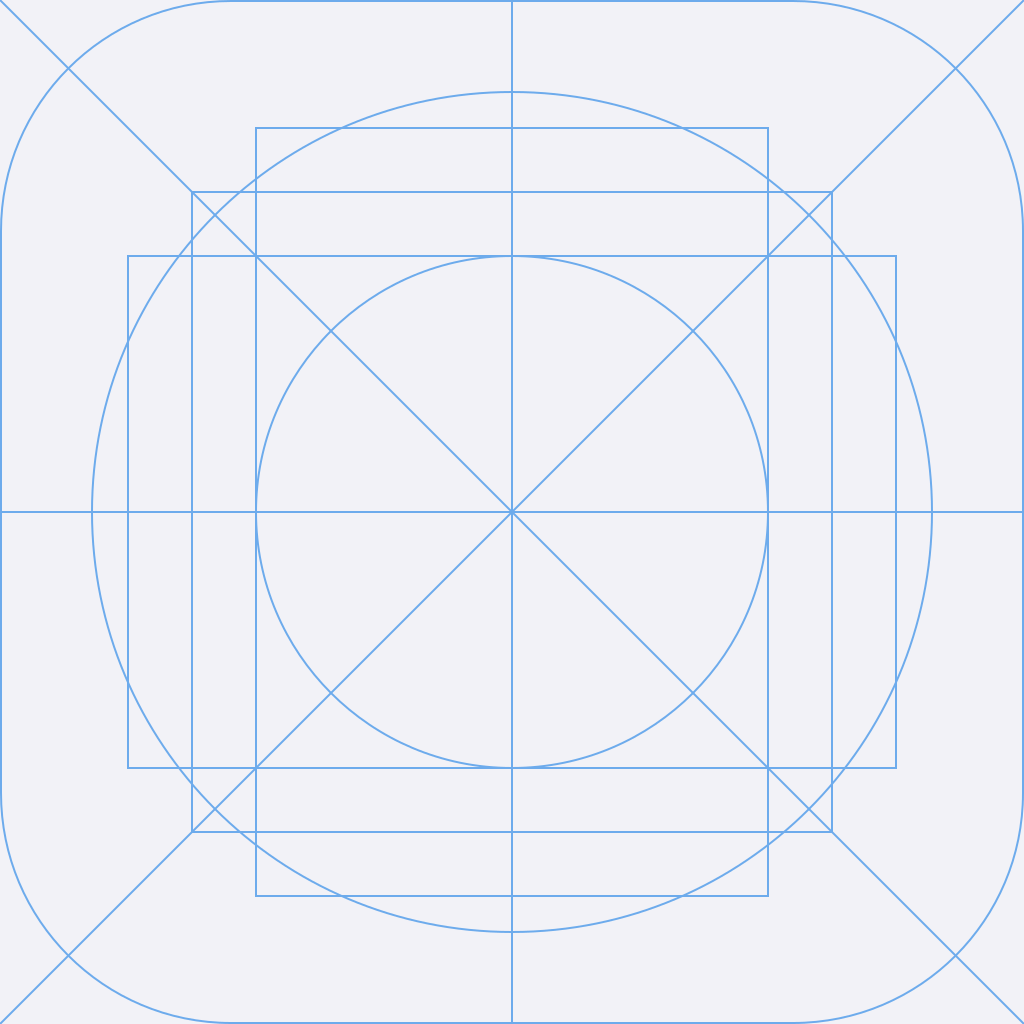
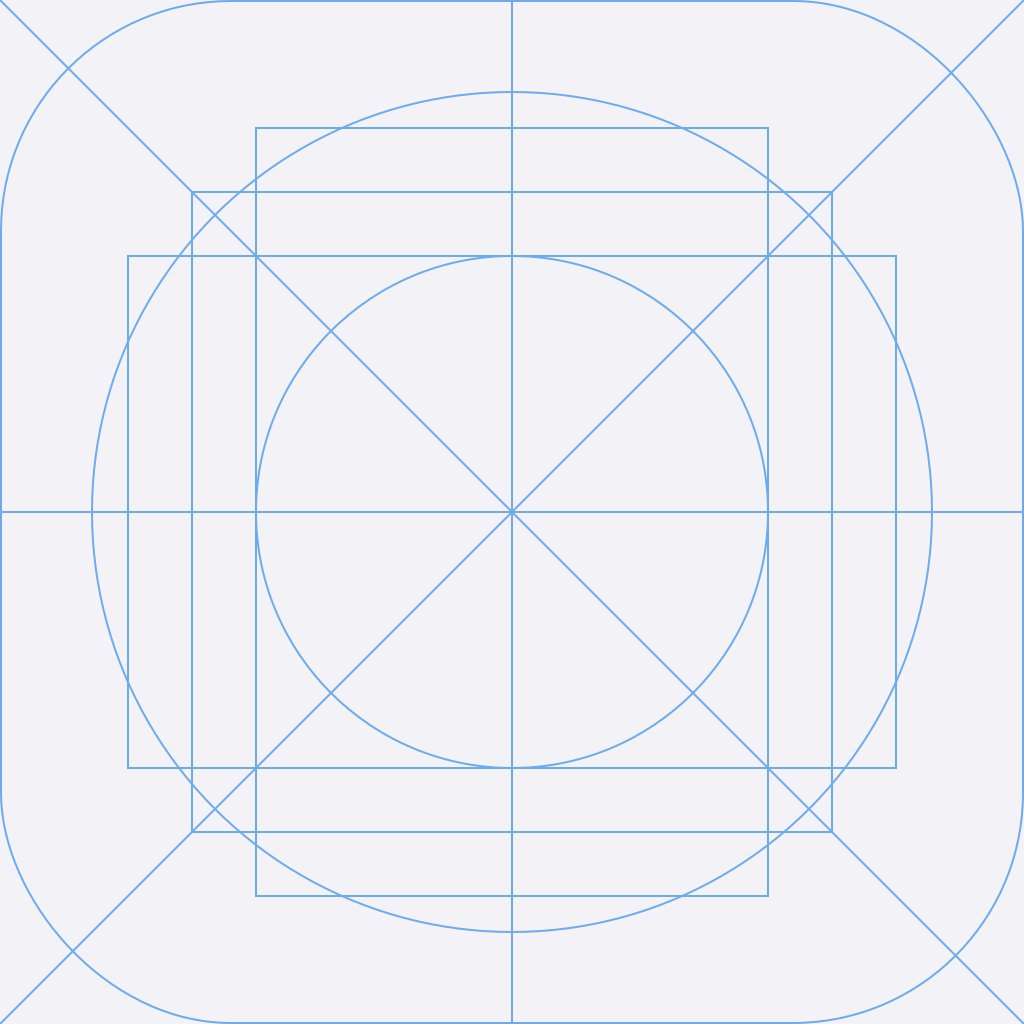
The template is a 1024 x 1024 px canvas with the center lines, keyline circles and the rounded-rectangle mask marked. The SVG opens in Figma, Sketch and Illustrator.
Superapp generates your app icon and builds the native iPhone app around it.